How does AI sentiment analysis help UX research, and where does it fail?
The short answer
AI sentiment analysis labels text as positive, negative or neutral, and many tools also tag the topic each feeling is about. In UX research it helps sort large volumes of reviews, survey answers, support tickets and transcripts so researchers know where to look first. It fails on sarcasm, mixed feelings, Arabic dialects, mixed Arabic and English, and small samples, so it should guide human synthesis, not replace it.
What is AI sentiment analysis?
AI sentiment analysis is software that reads text and labels the feeling it expresses, usually as positive, negative or neutral. Older tools matched words against fixed lists. Current tools use language models that read the whole sentence, and many can also detect what the comment is about, such as checkout, search or delivery time, and give each topic its own sentiment. This is called aspect-based sentiment analysis, and it is the most useful form for product work, because it shows which part of the product people are unhappy with, not only that they are unhappy.
The output is a label, and often a confidence score, for each piece of text. The tool does not know why someone feels a certain way or what they did next. Working that out is still the researcher's job.
Where does sentiment analysis help in UX research?
Sentiment analysis helps most when there is more text than the team can read in the time it has. The common sources are:
- App store and marketplace reviews. Sorting reviews by topic and sentiment shows which features attract complaints after a release.
- Open answers in surveys. When a survey goes to hundreds of people, the open questions are often the most valuable part and the least read. Topic and sentiment tags make them usable.
- Support tickets and chat logs. A cluster of negative tickets about one flow often points to a usability problem before it shows up in analytics.
- Interview and focus group transcripts. Tagged transcripts help you find the moments where participants were frustrated or pleased, so you review those first.
In each case the value is triage: the tool tells you where to look. It also lets you follow change over time. If negative comments about onboarding drop after a redesign, that supports what your usability tests showed.
Where does AI sentiment analysis fail?
It fails when meaning depends on context, culture or a language variety the model was not trained on. The main failure cases are:
- Sarcasm and irony. "Great, another update that logs me out" is a complaint, but many models read the word "great" and label it positive.
- Mixed feelings. "I love the design but I can't find my bookings" is positive and negative at once. One label for the whole comment hides the part you need.
- Arabic dialects. Most models handle Modern Standard Arabic better than Lebanese, Gulf or Egyptian dialects, which is how people actually write reviews and messages. The same word can carry a different meaning from one dialect to another.
- Code-switching between Arabic and English. Users in the region often mix both languages in one sentence, and write Arabic in Latin letters and numbers, as in "el app 7elwe bas slow". Many tools skip these comments or label them wrongly.
- Small samples. With a dozen interviews, a sentiment score says nothing reliable. Reading them is faster and more accurate.
- Behaviour. People often say one thing and do another. Sentiment measures what people wrote, not what they did in the product.
For products used in Arabic and English, test the tool on your own data before you rely on it. Label a few hundred comments by hand, run the tool on the same set and compare. If it disagrees with your labels often, use it only for English text, or not at all. We design and research products in both languages, and our Arabic and RTL design work starts from how people really write, not from textbook Arabic.
How should you use sentiment analysis next to human synthesis?
Use sentiment analysis to decide what to read first, then synthesise with people. Our synthesis pipeline has four steps, and automation fits some of them better than others:
- Transcribe. We record sessions and transcribe them. Speech-to-text tools do most of this, and a researcher corrects names, product terms and Arabic passages.
- Split into nugget-sized insights. Each transcript is broken into single observations: one quote, one behaviour or one problem. Sentiment tags can be added here to help sort, and every nugget keeps a link to its source.
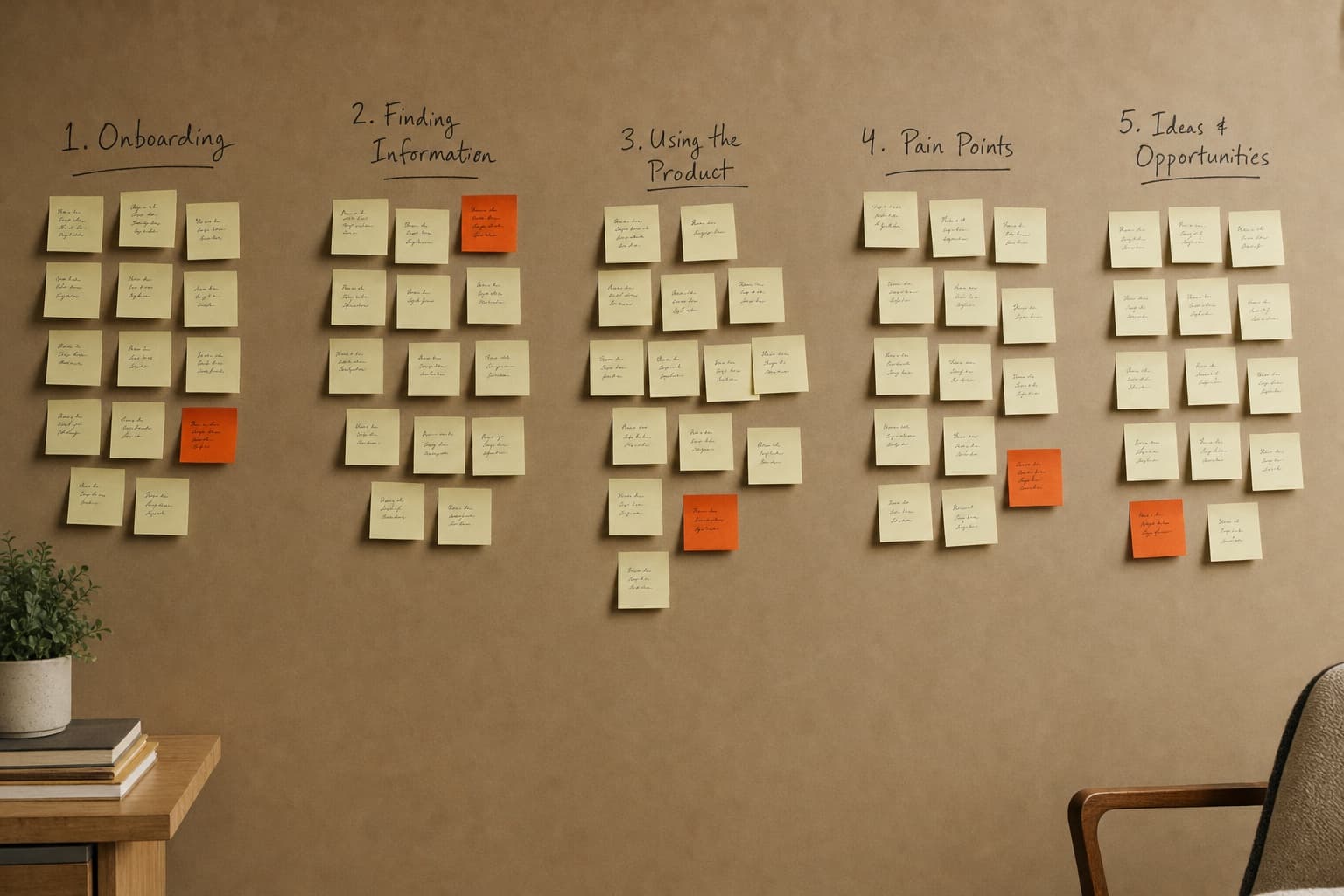
- Group into an affinity map. Nuggets are clustered by theme. Software can suggest groups, but researchers move, merge and rename them, because the clusters decide what the team will work on.
- Distil key insights. We write the few findings that explain what is happening and why, each with its evidence. This step stays human.
This keeps automation on the mechanical steps and human judgement on the conclusions. You can read more about how we plan and run studies on our UX research page.
How do you check that sentiment analysis results are accurate?
Check them against a sample your team has labelled by hand, and keep checking as the data changes. A simple routine:
- Read a random set of comments from each sentiment group, not only the most extreme ones.
- Look closely at comments labelled neutral. Complaints written politely often end up there.
- Split the results by language and dialect, and check accuracy for each group separately.
- Keep the original text next to every label, so anyone on the team can check a claim.
Before a finding goes into a product decision, find the quotes that support it and show them with the finding.
Is sentiment analysis useful for research on AI products?
Yes. Feedback on an AI feature, tagged by topic and sentiment, shows where the model's output disappoints people, which is often a different place from where the interface does. When we design AI products, we review the model's real output early, and tagged feedback helps separate "the answer was wrong" from "I could not find how to change the answer". The first needs a fix in the model or the prompt. The second needs a fix in the design.