Which AI tools are useful for user research, and what should they not replace?

The short answer
AI tools are most useful for the mechanical parts of user research: scheduling, transcription, tagging, summarising open answers and analysing feedback at scale. Tools such as Otter.ai, Dovetail, Notably, Maze, UserTesting, Lookback and Hotjar each cover different tasks. They do not replace talking to users, watching them use the product or deciding what the findings mean.
How should you choose AI tools for user research?
Choose tools by the research task that takes your team the most time, not from a ranked list. A team that runs a few interviews a month needs good transcription and one place to keep notes. A team sending large surveys needs help reading the open answers. Before you adopt any tool, check three things:
- Languages. Does it handle the languages your users speak? Transcription and tagging of Arabic dialects, and of Arabic mixed with English, is still weak in many tools.
- Data and consent. Where are recordings stored, and have participants agreed to have their sessions processed by AI?
- Export. Can you get your raw data out if you change tools later?
Which tools help with recruiting and scheduling participants?
Recruiting platforms help by finding participants who match your criteria and handling invitations, scheduling and reminders. User Interviews and Respondent are recruiting platforms with their own participant panels. UserTesting also has a panel for studies run on its platform. For booking sessions, a scheduling tool such as Calendly removes most of the back and forth.
Automation helps with matching and screening, but the screener is still yours to write, and it decides whether you talk to the right people. For business software or products in smaller markets, panels can be thin. Recruiting from your own customers or from the client's partners is often more reliable.
Which tools help with interviews and transcription?
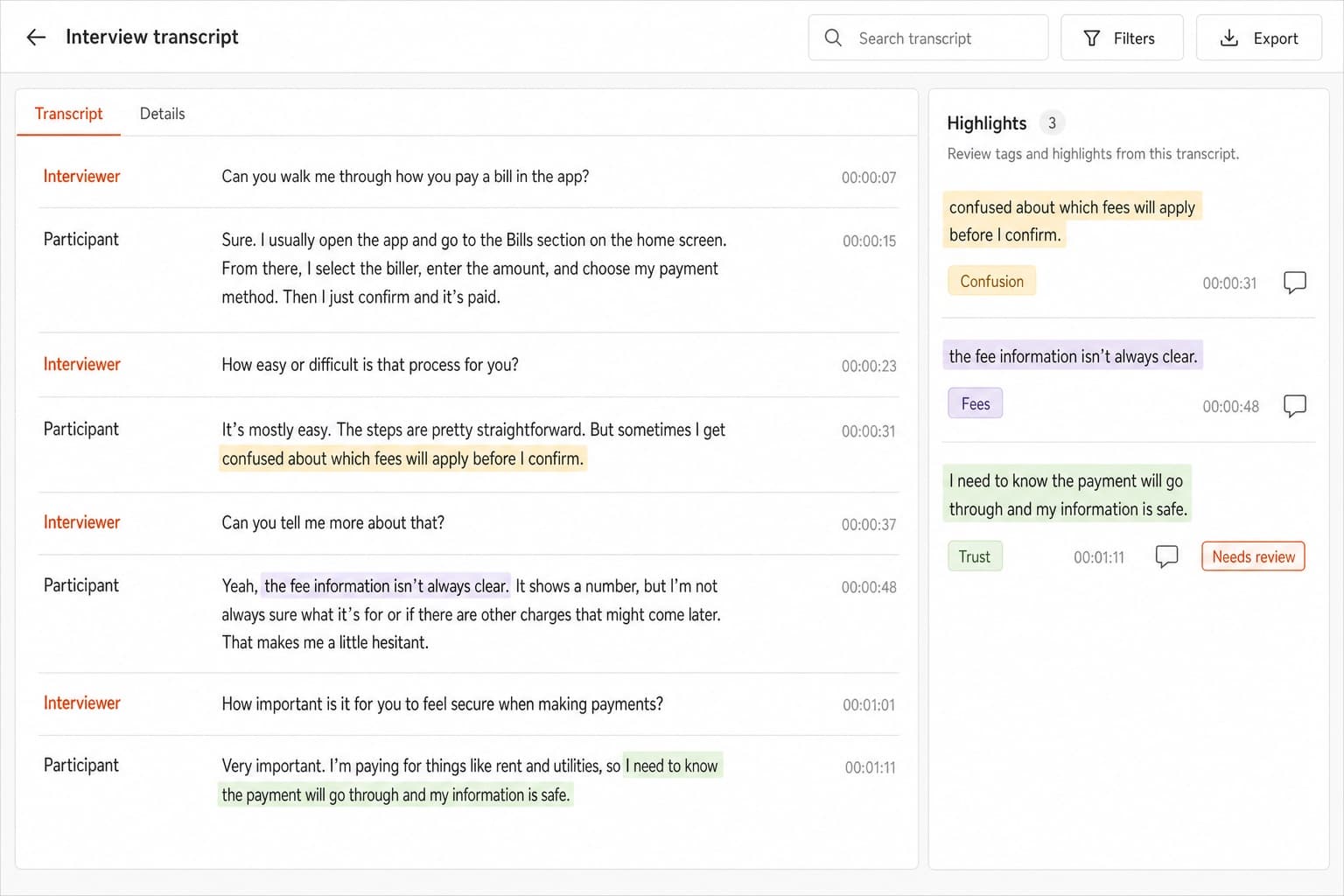
Transcription tools save the most time in interview research, because they turn hours of recording into searchable text. Otter.ai transcribes meetings as they happen and produces a summary afterwards. Lookback records moderated and unmoderated sessions with the participant's screen and voice, so the team can watch and annotate them later. Dovetail can transcribe recordings you upload into it.
Read transcripts before you trust them. Names, product terms and Arabic passages are where errors usually appear, and a wrong word in a quote can change what the finding means.
Which AI tools help with research synthesis and tagging?
Synthesis tools help by suggesting tags, clusters and summaries across many transcripts and notes. Dovetail is a research repository where you store recordings, notes and highlights, and its AI features suggest tags and summarise sessions. Notably is built around synthesis and uses AI to help cluster notes and draft insights.
Treat every AI summary as a first draft. Our own synthesis follows four steps: transcribe, split into nugget-sized insights, group them into an affinity map, and distil key insights. Tools can speed up the first three. The last one, deciding what the findings mean, stays with the researchers.
Which AI tools help with surveys?
Survey tools with AI features help most with summarising open answers, and some also help draft questions. Hotjar runs short on-page surveys and feedback widgets next to its heatmaps and session recordings, so you can connect what people said to what they did on a page. Maze includes survey questions alongside prototype tests.
Review any question an AI drafts. Generated questions are often leading or ask two things at once, and a badly worded survey produces clean-looking data that is wrong. We use surveys to validate at scale what we first learned in interviews and focus groups, not to replace them.
Which AI tools help with usability testing?
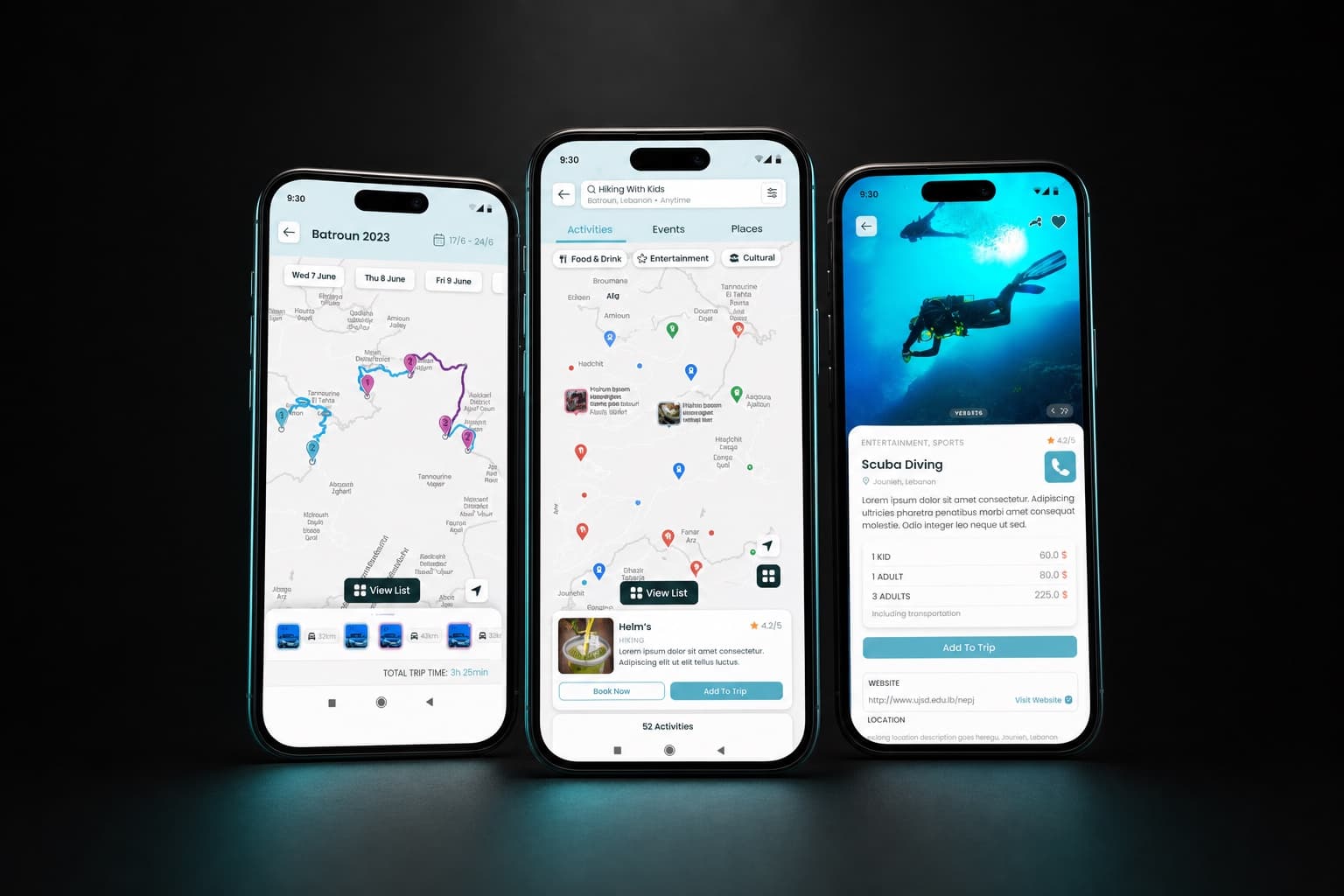
Usability testing tools help by running tests without a moderator and measuring what participants do in a prototype. Maze is the tool we use for prototype tests. We look at three measures: perfect-flow completion (how many participants finished the task along the intended path), where they misclicked, and where they gave up. UserTesting and Lookback are better suited when you want to watch and listen to participants as they work through a task.
The full project is in the Traveln.ai case study.
Which AI tools help analyse user feedback at scale?
For feedback at scale, the useful tools group large volumes of text by topic and sentiment, so you can see which problems come up most. Research repositories such as Dovetail can tag reviews, tickets and survey exports. Hotjar adds behaviour, showing where people click, scroll and leave. A general language model can also summarise exported feedback, as long as your data rules allow it and you remove personal details first.
Automated grouping is a way to decide what to read, not a result. Pick the largest clusters, read the comments inside them, and check whether they match what you saw in testing.
What should AI not replace in user research?
AI should not replace talking to users, watching them, or deciding what the findings mean. In particular, keep these with people:
- Deciding the research question and who to talk to.
- Moderating interviews, where the follow-up question and the pause after a hesitation are where the useful answers come from.
- Watching people use the product in their own context.
- Judging which findings matter for the product and the business.
- Checking every quote and number before it goes into a report.
- Research with people in their own language and culture, including Arabic dialects and mixed Arabic and English.
- Consent and care for participants' personal data.
Synthetic users, AI personas that answer questions as if they were participants, belong on this list too. They can help you draft a discussion guide, but what they say is not evidence about your real users.
How do we use AI tools in our own research process?
We use AI tools for the mechanical steps and keep researchers on the steps that need judgement. Our process has four stages: understand, design, test and build. In the understand stage we run interviews and review the product and its data, and for AI products we look at the model's real output. In the test stage we run usability tests with real users in Maze before launch. Our UX research page describes how we plan and run these studies.
Related services