How should you design an ai agent user interface?
The short answer
An ai agent user interface must move from conversation to supervision: show the agent’s plan before it runs, add approval points for risky steps, stream a live activity log, and make undo and recovery explicit so people can govern, intervene and audit the agent. These four changes let users approve, correct and reconstruct what an agent does without guessing from a chat history.
What changes when you design for agents rather than chat?
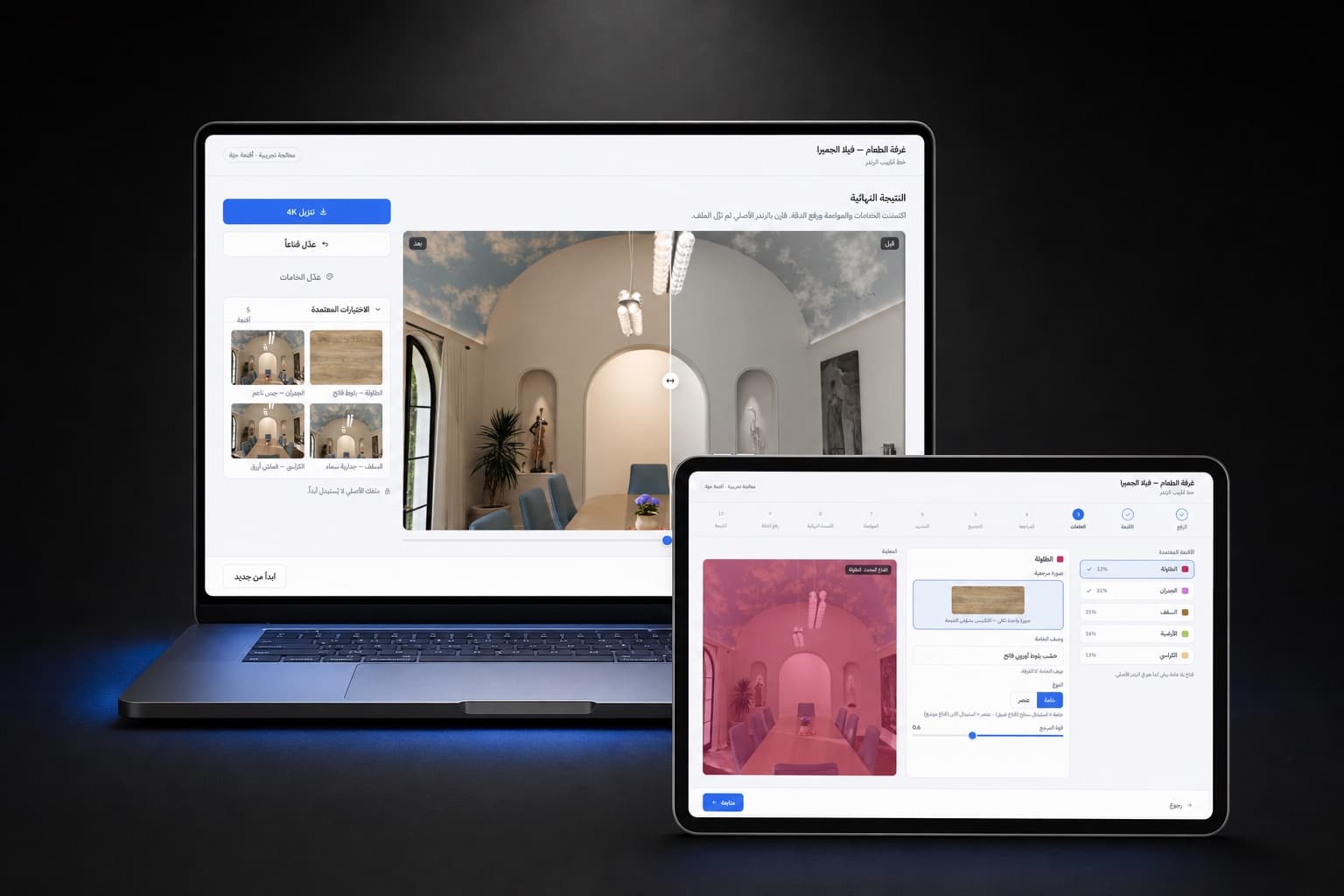
Design shifts from dialogue to supervision. An agent acts on a user’s behalf, so the interface must make intended actions visible, editable and reversible rather than only showing conversational text. That changes primary screens from a message stream to a plan view, approval points and an activity timeline. Use components and runtime rules so the model fills constrained UI blocks instead of producing free layout; this is what our dynamic design systems service documents and hands to engineers. TaskVM authors 2026 evaluated plan‑centric, editable task representations and found they materially improve users’ ability to govern agentic behaviour, which is why the plan view must be the UI’s centrepiece (TaskVM authors 2026).
How do you show the agent's plan before it runs?
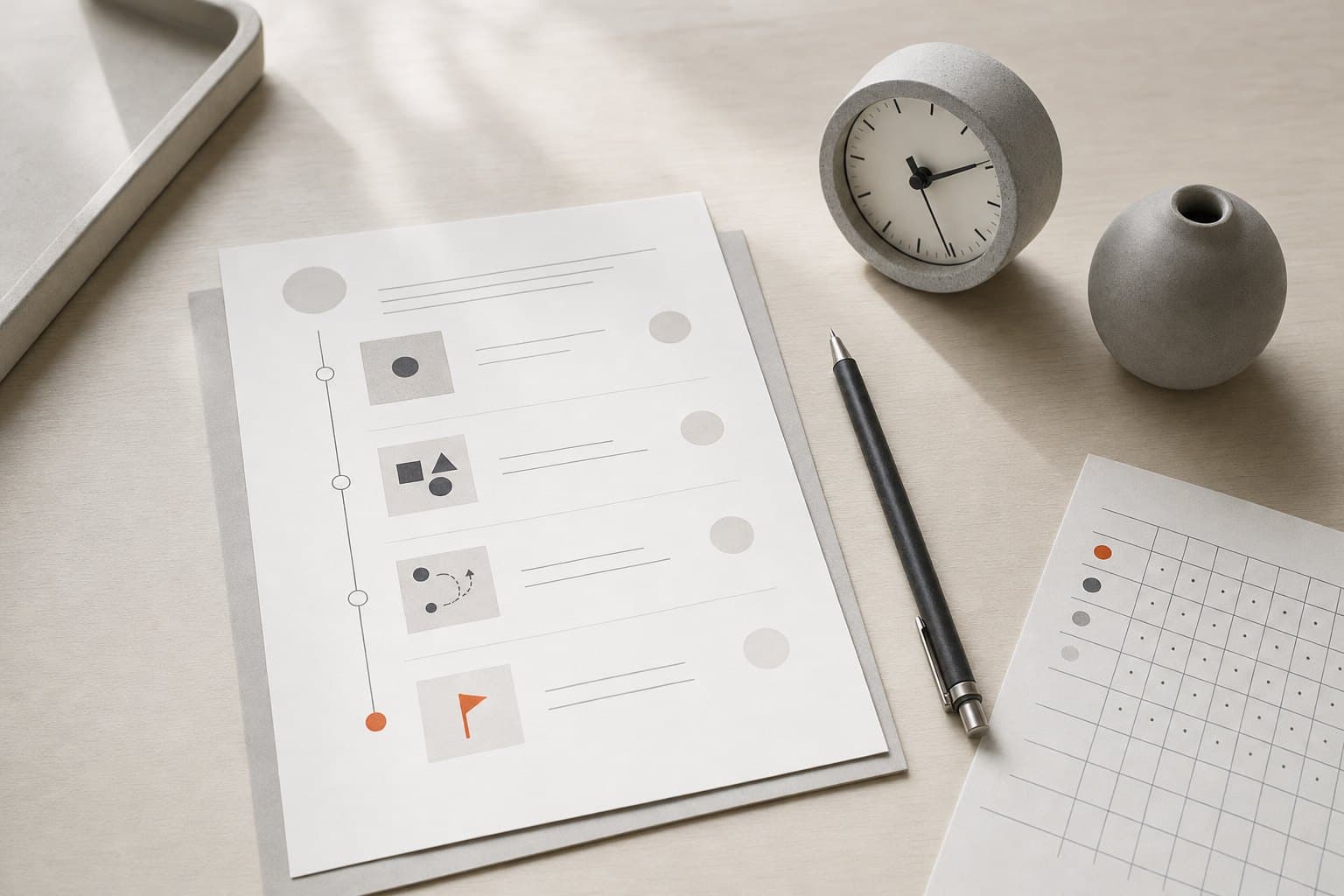
Show an editable, step by step plan as the primary intermediate state between the user request and action. The plan is the agent’s contract with the user, not a transcript. Present each step, its scope, expected side effects and which steps need approval so users can edit, reorder or remove tasks before anything executes. TaskVM authors 2026 evaluated a plan‑centric, editable task representation over an automated benchmark of 36 task instances and found it helps users govern agent behaviour, so include a clear reversible/compensatable/irreversible tag for every step (TaskVM authors 2026). If you need help choosing which tasks to turn into multi step agents, see How do I choose tasks for an AI assistant?.
Where should you add approval points for risky steps?
Map approval points to automation level, risk and reversibility. Use an automation scale to place controls such as suggestion, veto windows and execute‑if‑approved behaviours rather than choosing approval locations ad hoc. Parasuraman, Sheridan and Wickens 2000 define a 10‑point automation scale designers can use to decide when to show suggestions, require a veto window or pause for explicit approval. Practically, pause the run and request explicit approval when a step crosses your chosen risk threshold or when the step is irreversible. The OpenAI Agents SDK human‑in‑the‑loop guide 2026 treats approval flows as first class: when a tool call needs approval the SDK pauses the run, returns an interruptions list and lets the application resume later from the same RunState, which is a useful implementation pattern to map UI controls to runtime behaviour (OpenAI Agents SDK 2026, Parasuraman, Sheridan and Wickens 2000).
How do you let people supervise a running agent and what do they see when it gets stuck?
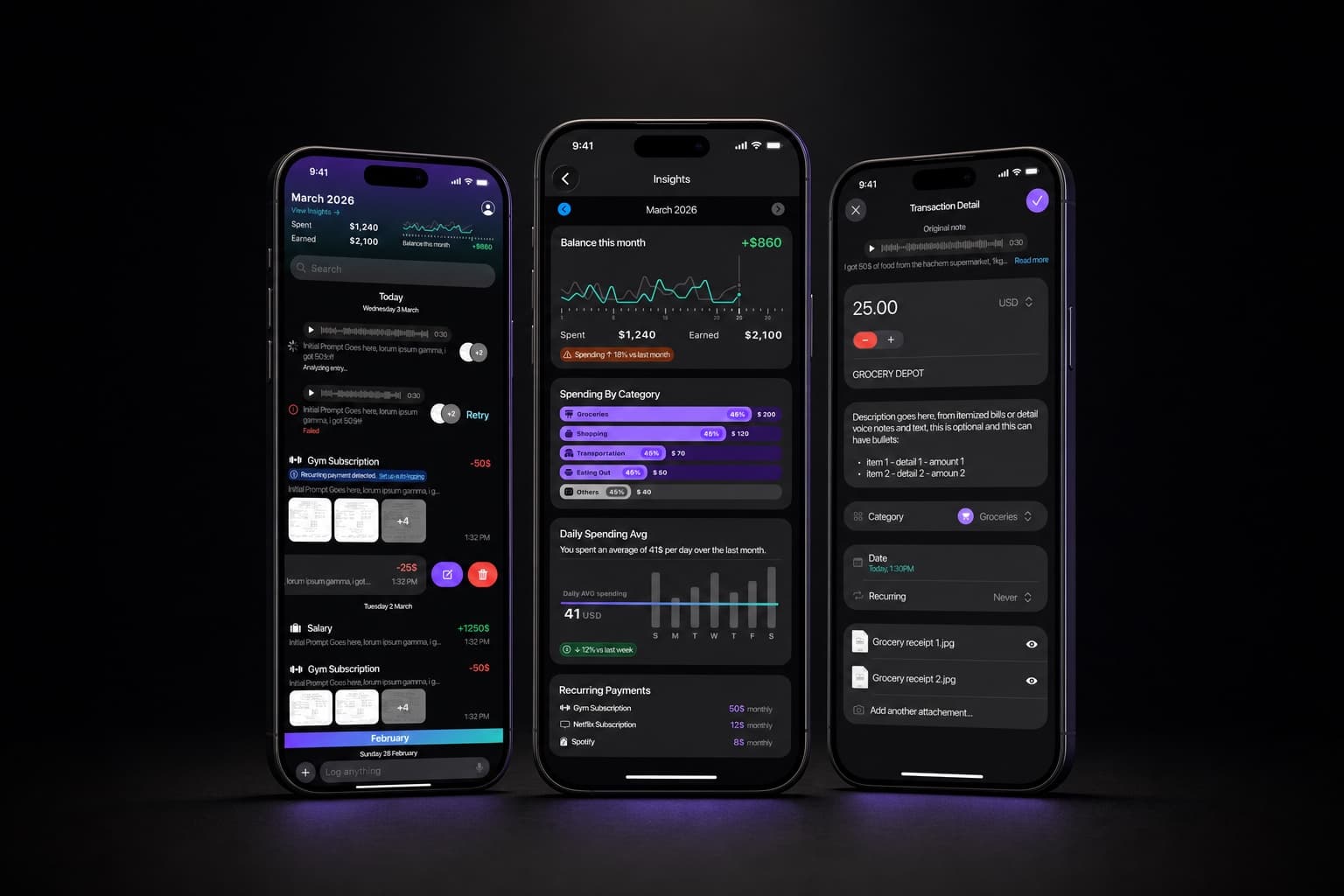
Provide a live activity log, streaming progress and contextual reasons for each action. Situation Awareness theory shows automation reduces perception and projection unless UIs preserve cues, so stream actions and show why the agent chose them to keep users in the loop (Endsley 1995). A running agent UI should surface the current plan step, the inputs used, any uncertainty or missing data that matter, and an explicit indicator when the agent is blocked. When the agent gets stuck expose the blocking condition, partial results, the next suggested step and clear controls to pause, ask for help or revert to manual work. Instrument the interface so audit logs record inputs and config when the system exceeded validity, following NIST AI RMF and the AIRC Playbook 2023 guidance to maintain histories and measure human oversight (NIST AI RMF / AIRC Playbook 2023).

How should undo and recovery work in an agent UI?
Treat execution outcomes as reversible, compensatable or irreversible and show that classification at decision time and in the log. TaskVM authors 2026 explicitly classify outcomes this way and a controlled study of 37 participants by the same authors 2026 found higher perceived recovery control and trust versus conversational interfaces, so the UI must let users undo reversible steps, run compensating workflows for compensatable outcomes and prevent irreversible actions without granular approval (TaskVM authors 2026). Record deltas and linked provenance so engineers and auditors can reconstruct what changed and why. Make undo visible in the plan and the activity log, and make compensating workflows a one‑click option from the same screen so recovery is predictable and testable.
What telemetry and controls should the interface expose for audits and product health?
Expose automation level, human approvals, interruptions, inputs and configuration in both the UI and the audit log so reviewers can measure oversight. NIST AI RMF and the AIRC Playbook 2023 prescribe instrumenting systems for measurement, tracking and logging inputs and configuration when systems exceed validity, which means product UIs must make approvals and overrides visible and searchable for later review (NIST AI RMF / AIRC Playbook 2023). Microsoft Research’s CHI guidelines 2019 explicitly require informing users when agents are active and providing explicit approval and autonomy‑level visibility, which designers should show as metadata on plan steps and in filters for the activity log (Microsoft Research CHI 2019). Larissa Salerno et al. 2026 found practitioners supervising coding agents depend on observable traces and oversight strategies in a mixed methods study that surveyed 115 practitioners and interviewed 18, so surface counts and rates of interruptions, approval latency and rollback frequency for product and safety teams to tune permission boundaries and update the agent’s task decomposition (Larissa Salerno et al. 2026).
Collect and show these metrics in the UI so non‑engineers can explore them: interruption counts, average approval time, percent of steps marked irreversible, rollback frequency and success rate of compensating workflows. Make the audit log searchable by user, run id, decision tags and time range, and attach the RunState or plan snapshot to every significant event so auditors can replay or reconstruct runs. Use the OpenAI Agents SDK pattern to serialize RunState on interruptions so the application can resume exactly where a human left off (OpenAI Agents SDK 2026).
Decide the approval boundaries and prototype the plan view with a live activity log as your next step. If you want a partner to design the plan UI, approval flows and the runtime rules so engineers can build them, start with our AI product design service and consider documenting the components in a dynamic design system so the model assembles the UI at run time. Build the plan state first. The rest follows from clear approvals and visible recovery controls.
Related services