Components the model can use
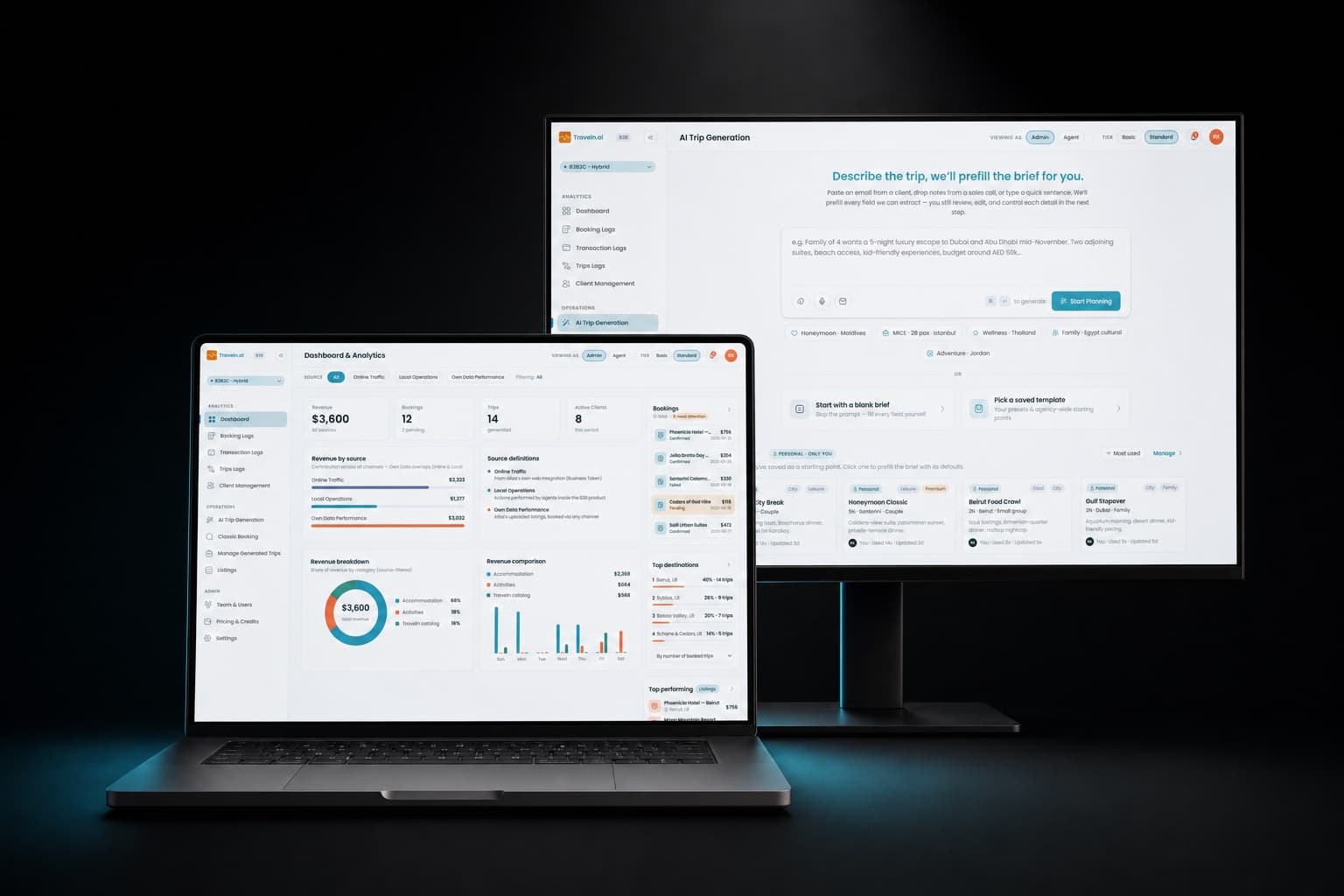
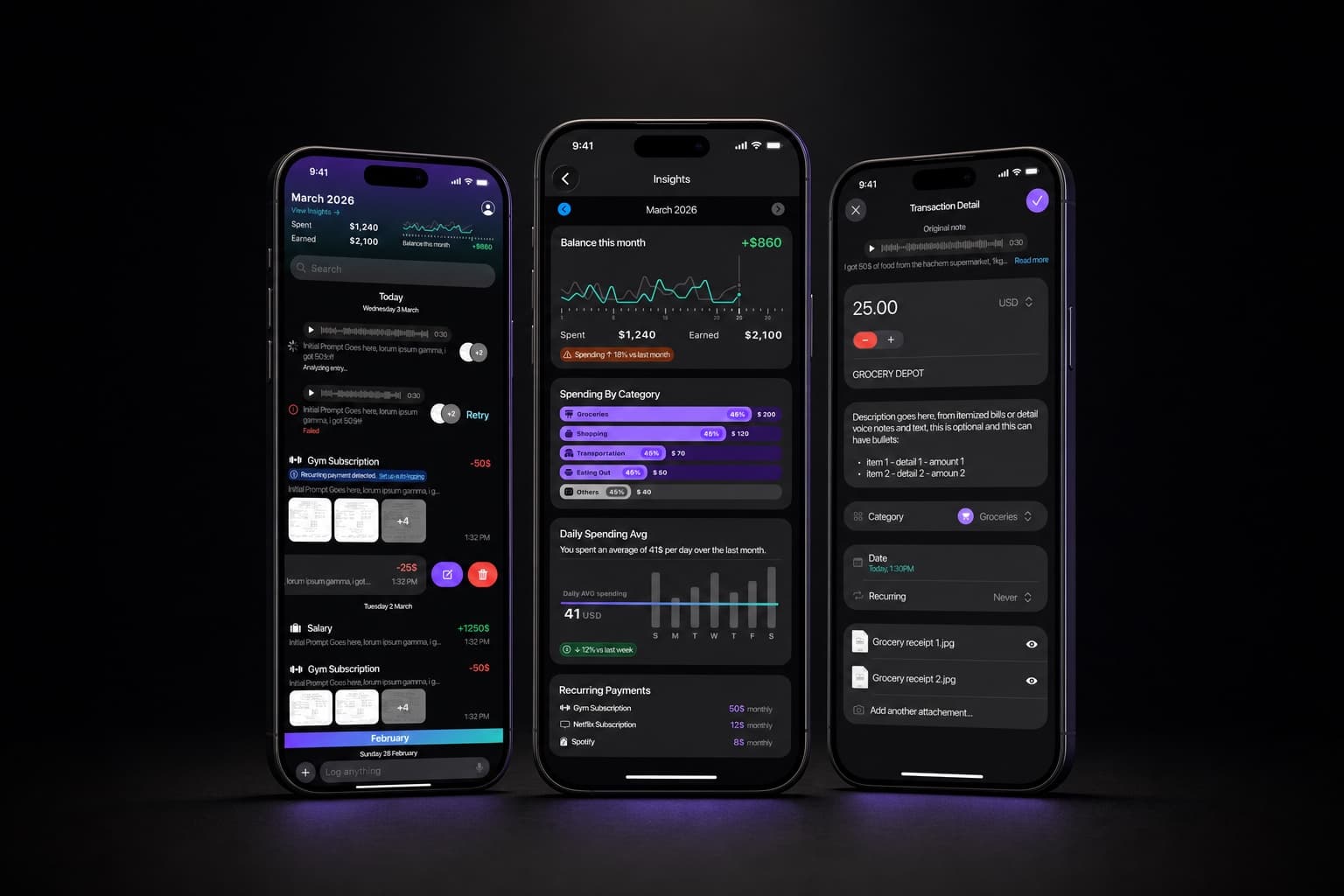
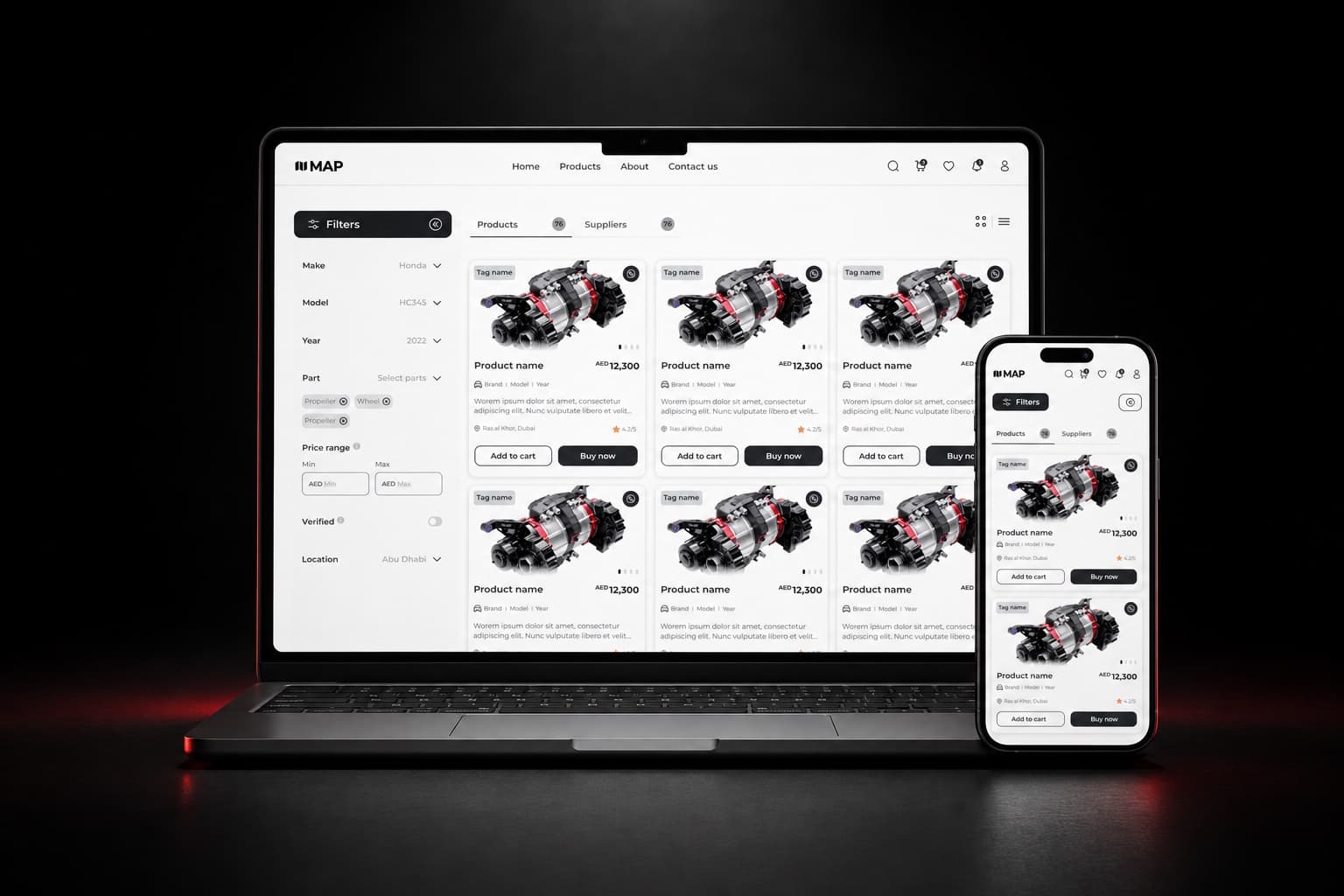
A set of building blocks, such as text, cards, tables, steppers, file chips, charts and forms, each with a clear purpose so a model can pick the right one.
Service · our specialty
A dynamic design system is a design system built for AI interfaces. In an AI product the model decides at run time what to show, so the system defines the components it can use, the states each one needs, and the rules for what it can and cannot show. We design them, document them and hand them to your engineers ready to build.
When you need it
What we design
A set of building blocks, such as text, cards, tables, steppers, file chips, charts and forms, each with a clear purpose so a model can pick the right one.
Loading, streaming, uncertain, empty, failed and done, designed for each component instead of left to chance.
What the model may show, where, and in what combination. The rules keep generated screens on brand and usable.
Colour, type, spacing, radius, elevation and motion as tokens, so design and code use the same values.
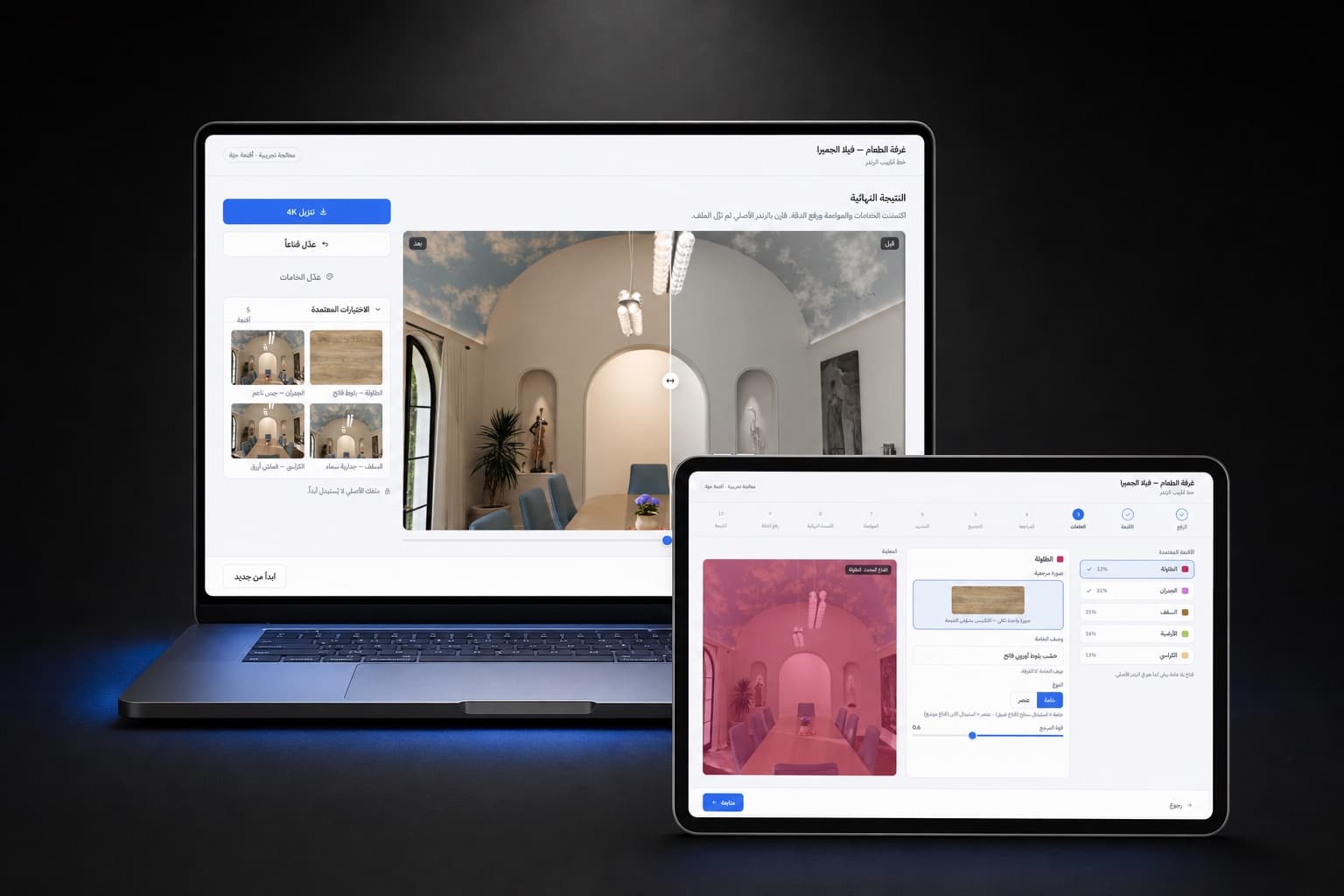
Components built with logical properties, start and end rather than left and right, so English and Arabic come from one library.
Each component with its props, states and examples, in a format your engineers or your model's tooling can read.
Deliverables
How it runs
We collect what the product shows today and what the model returns, and find the repeated patterns.
We name the components, their states and the rules, and agree them with your engineers.
We design the library and test generated screens with real users.
We document everything and, if you want, build the components in code.
The same four steps run every project. Read the full process.
Related
FAQ
A design system made for AI interfaces. It defines the components a model can use, the states each one needs, such as loading, streaming, uncertain and failed, and the rules for what the model can and cannot show.
A normal design system assumes a designer places every component. In a dynamic one the model places some of them at run time, so the system also needs states for uncertain and partial results, and rules the model can follow.
Often yes. Most AI products start with text and then need tables, cards or forms because text is hard to act on. Defining those components early saves redesigning every feature later.
Yes. The ask bar at the bottom of this site answers with components such as case cards and service lists, chosen per question. It runs on a small dynamic design system.
We reply by email to set up a call. Most projects start with a short conversation and a scoped proposal.