How do I choose tasks for an AI assistant?
The short answer
To choose tasks for an AI assistant, pick ones that are frequent, low in decision complexity, observable while running and cheap to correct. That filter finds the highest throughput gains with the smallest safety and long term maintenance burden.
How do I choose tasks for an AI assistant in one rule?
Choose tasks that are high frequency, low decision complexity, observable while running and low corrective cost. Use that filter as a first cut before you build a scoring rubric. It finds the biggest throughput gains with the smallest safety and maintenance burden, and it keeps you from spending engineering effort where the long term costs outweigh the benefits.
There is a large pool of candidate work to consider. The McKinsey Global Institute found that about half of work activities could potentially be automated, which means many frequent tasks will appear in your audit (McKinsey Global Institute, 2017). That scale is an opportunity, not a licence to automate everything. The rule above helps you narrow the list to tasks that pay back quickly and do not create disproportionate safety or maintenance burdens.
Which tasks give the highest impact for the lowest risk?
Tasks that repeat the same steps and have a clear success signal are the best candidates for automation. They produce repeated time savings and are simple to observe and correct, which keeps monitoring and rollback cheap. Map these tasks against impact and risk to see which sit in the top left of a prioritisation quadrant: high impact and low risk are the ones you automate first.
Avoid automating tasks that require nuanced judgment or where an incorrect action is hard to undo. A pooled analysis in the Journal of the American Medical Informatics Association found that erroneous automated advice increased the risk of an incorrect decision by 26 percent in clinical decision support studies, which shows automation can worsen outcomes when users over‑trust it (Journal of the American Medical Informatics Association, 2011). That risk is not abstract. It changes the design at the choice point: assistive drafts, stronger provenance and forced review become necessary controls when the task risks harm.
What four dimensions should I map for every candidate task?
Score each task on frequency, decision complexity, observability and corrective cost. Those four dimensions give a compact, operational view of payoff and danger and point to what design controls to add before you prototype.
- Frequency. How often the task happens per user, per team or per day. Frequent tasks multiply time saved and justify higher upfront engineering cost.
- Decision complexity. Follow Parasuraman, Sheridan and Wickens’ decomposition of tasks into information acquisition, analysis, selection and implementation to judge how much judgement the task requires and which subfunctions an assistant can safely take on (Parasuraman, Sheridan & Wickens, 2000).
- Observability. Can the system present a clear success or failure signal while it runs, so users can detect and correct mistakes quickly? Good observability reduces hidden runtime costs and false confidence.
- Corrective cost. What are the engineering and business costs to detect, diagnose and fix an error after deployment. Software engineering evidence shows that finding and fixing a problem after delivery is often 100 times more expensive than fixing it during requirements and design, so corrective cost should weigh heavily in your decision (SEI/IEEE, 2001).
Also account for system level maintenance. The NeurIPS paper on hidden technical debt explains that the deployed model is only a small part of production cost, because data dependencies, entanglement and undeclared consumers raise monitoring and maintenance burdens over time (NeurIPS/Google, 2015). Prefer tasks where observability, modular outputs and clean interface boundaries keep future work manageable.
What checklist will let me quickly reject low‑value or high‑risk tasks?
Use a short go no go set of questions to filter candidates quickly. If any question points to high risk or low value, de‑prioritise or redesign the automation as an assistive draft with human in loop.
- Is the task frequent enough to matter operationally?
- Does the task require nuanced domain judgment or empathy that a suggestion cannot cover safely?
- Can you observe success quickly and unambiguously while the assistant runs?
- If the assistant is wrong, can the user undo or correct the action with minimal engineering and business impact?
- Does the task touch safety, legal or high harm outcomes that demand explicit human approval?
Use this checklist to rule out tasks that score poorly on observability or corrective cost, because those factors drive maintenance and safety burdens most directly. The clinical automation literature warns that automation bias makes over‑acceptance a real failure mode, so gate anything that risks high harm and add provenance, confidence scores or forced review where needed (Journal of the American Medical Informatics Association, 2011).
What are concrete examples for SaaS, mobile and agentic assistants?
Favor assistive drafts and editable suggestions instead of fully autonomous actions. That keeps decisions visible and reversible, lowers corrective cost and reduces the chance of automation bias leading to wrong outcomes.
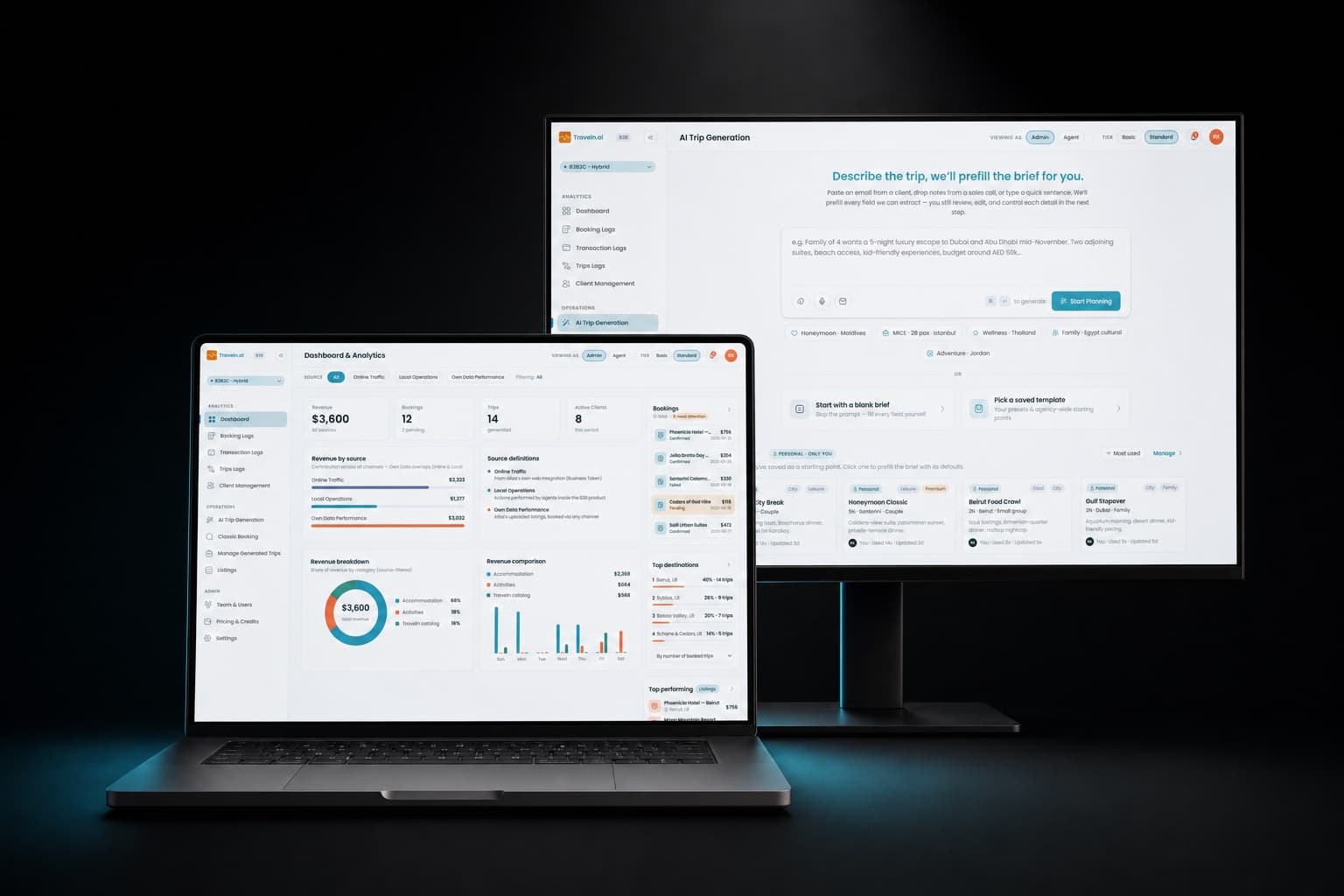
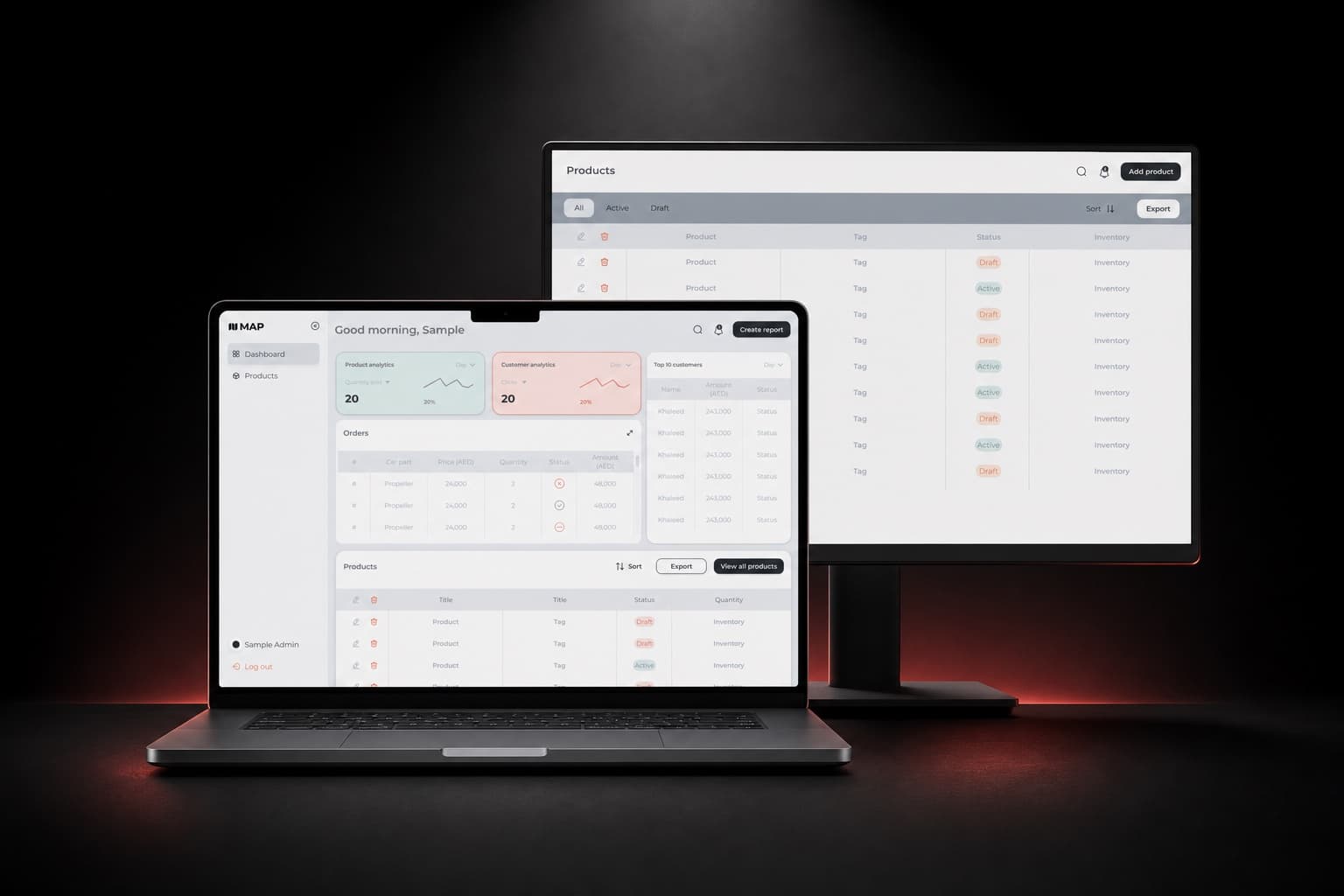
- SaaS dashboards. Automate summarising ticket threads and draft an update for an operator to edit. That pattern is frequent, low complexity, observable and reversible. The Traveln B2B operations dashboard uses operator workflows where AI generates proposals an operator edits, which follows this assistive draft model. See Traveln B2B.
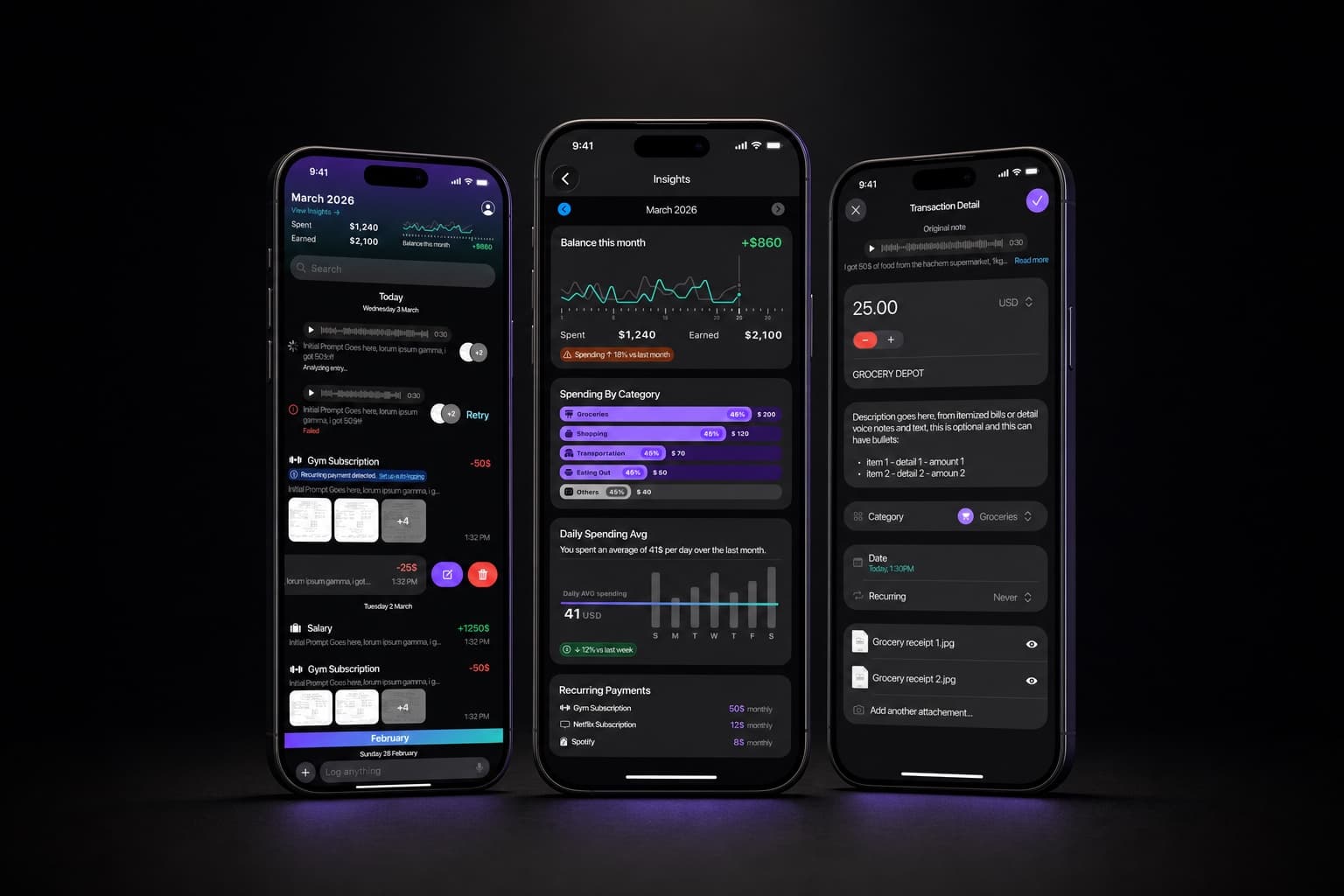
- Mobile assistants. Prefill expense items from a voice note and show an editable expense draft rather than automatically categorising uncertain cases. Ejjati treats voice and edit flows as first class inputs and keeps the original note so users can correct entries. See Ejjati.
- Agentic assistants. Gate any action that transfers money or causes external side effects behind explicit human confirmation, as recommended in OpenAI’s Operator System Card (OpenAI, 2025). Treat irreversible, high harm or hard to roll back actions as human in loop and present a clear, auditable confirmation step.
These examples choose patterns that keep humans in control while still using models to remove mechanical work. In dashboards that means draft content the operator edits. In mobile apps that means preserve original input and let users edit. In agents that means require a confirmation step for external effects and money flows, so the user sees the exact action before it runs (OpenAI, 2025).
How should I prototype and measure before building it into production?
Prototype as an assisted flow where the AI suggests and the human accepts or edits. This keeps the model out of the critical path while you gather real metrics on usefulness, error types and the cost to correct mistakes. Use short, instrumented tests with real operators rather than a full model deployment.
- Measure task completion time and the time savings when the AI suggestion is used compared with the existing flow.
- Track edit rate on suggestions and the nature of edits to learn whether the model is off in tone, facts or structure.
- Log correction cost, including engineering time and business impact to detect and roll back bad outputs.
- Include deliberate test cases with wrong suggestions to detect automation bias by measuring accept rates on those cases, and log downstream error rate in systems the task feeds into to reveal hidden maintenance burdens (Journal of the American Medical Informatics Association, 2011; NeurIPS/Google, 2015).
Use the metrics to decide between three outcomes. Keep the assisted draft if edit rates are high or corrective cost is manageable. Move to partial automation for substeps if edits focus on a narrow part of the output. Require explicit human confirmation when an action is reversible only with significant engineering or when harm potential is nontrivial. These decisions expose the maintenance and safety trade offs before you commit to full automation.
What is a safe next step I can take right now?
Pick one high frequency, low decision complexity task, build a mock assistant that produces editable drafts, and run a short instrumented test with real operators. If drafts are editable, observable and easy to undo, you can validate impact and corrective cost before committing engineering effort. That prototyping pattern fits our AI product design approach and keeps the model out of the critical path while you learn.
Where language direction matters, include Arabic right to left in the prototype UI to surface edge cases early. If you need a prototype that supports editable drafts and bidirectional languages, our Arabic and RTL design and AI product design services cover both interface and interaction patterns so you catch localization and layout issues before engineering work begins.

Sources